Free Plugin
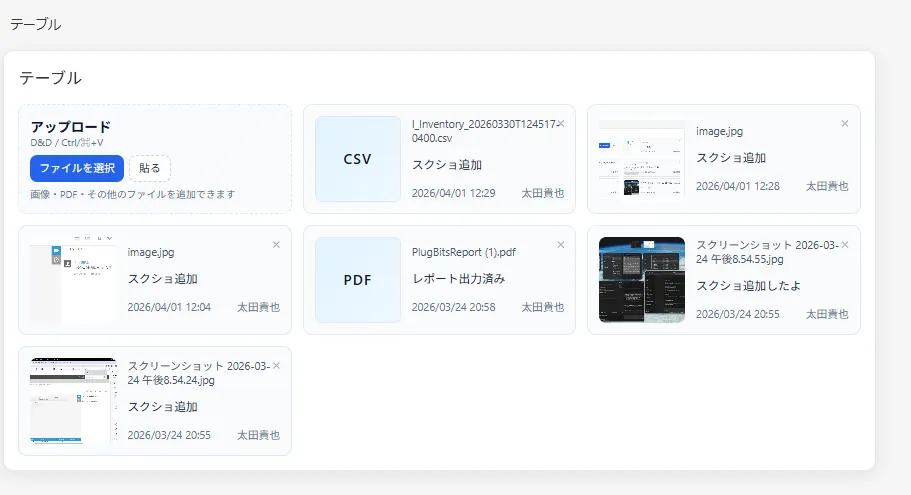
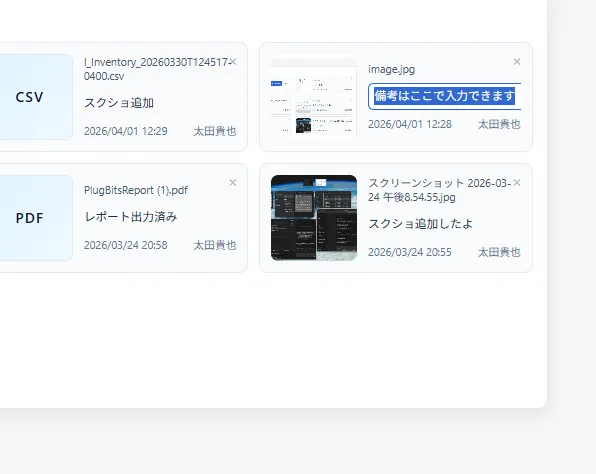
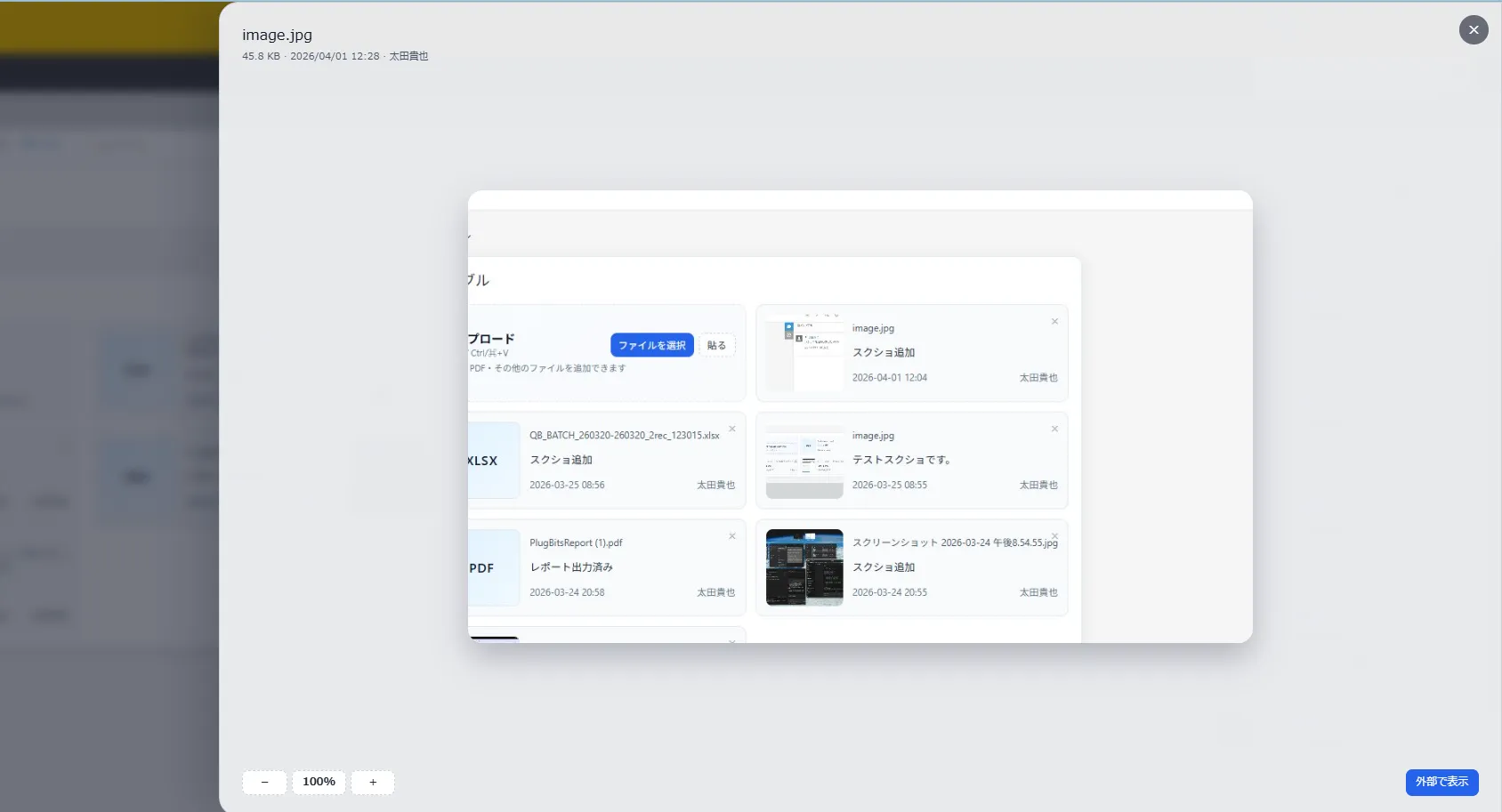
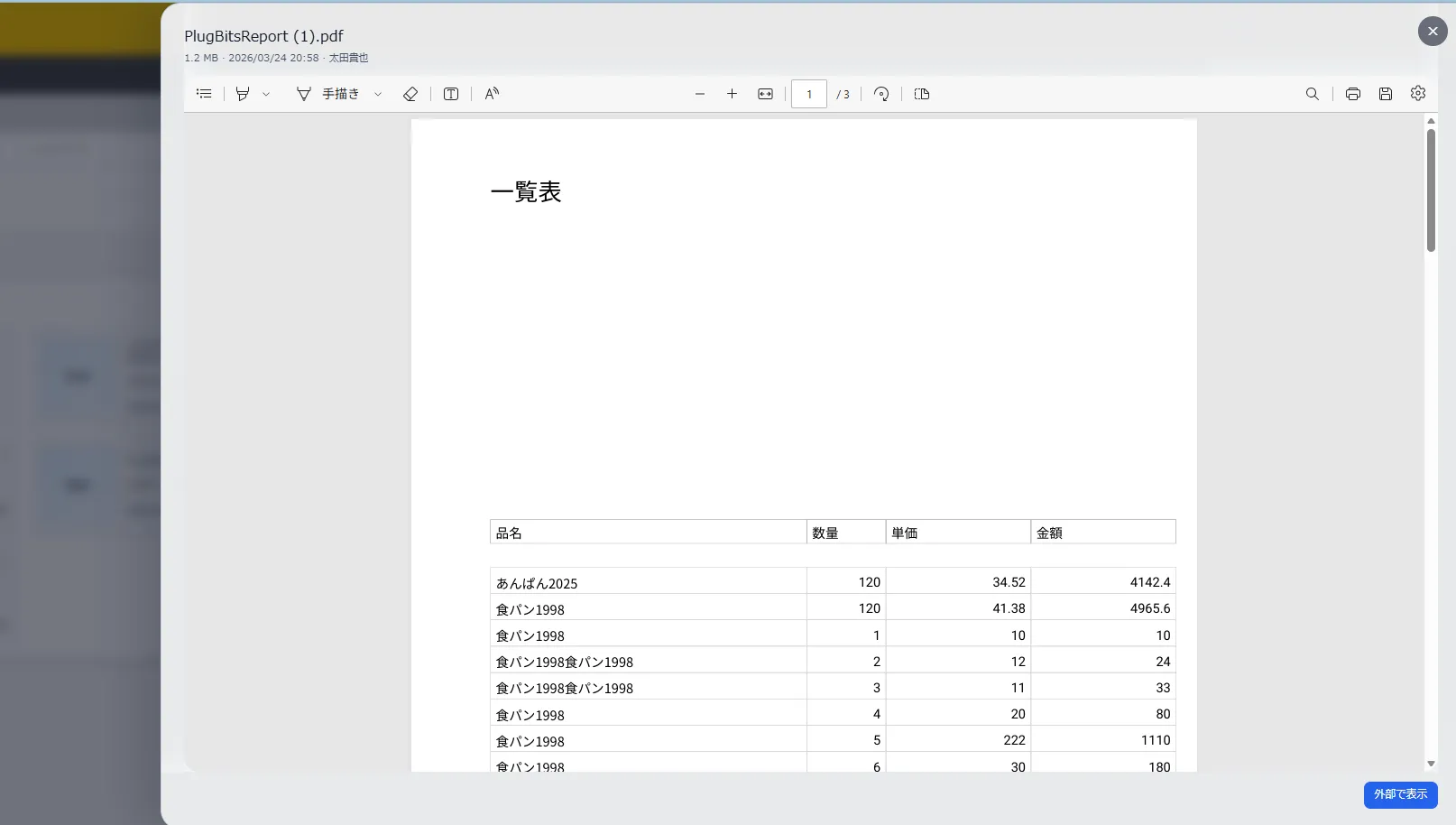
A kintone plugin that manages progress files (photos, PDFs, etc.) as a gallery on the record detail screen. Supports drag-and-drop and paste upload, with automatic subtable storage.

PC / Detail
UI Enhancement
190KB
2024/04
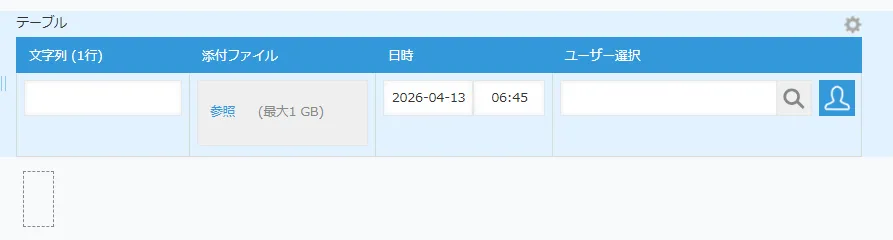
Add a subtable with attachment, memo, and space fields to your app
Upload the ZIP and add the plugin via the admin panel
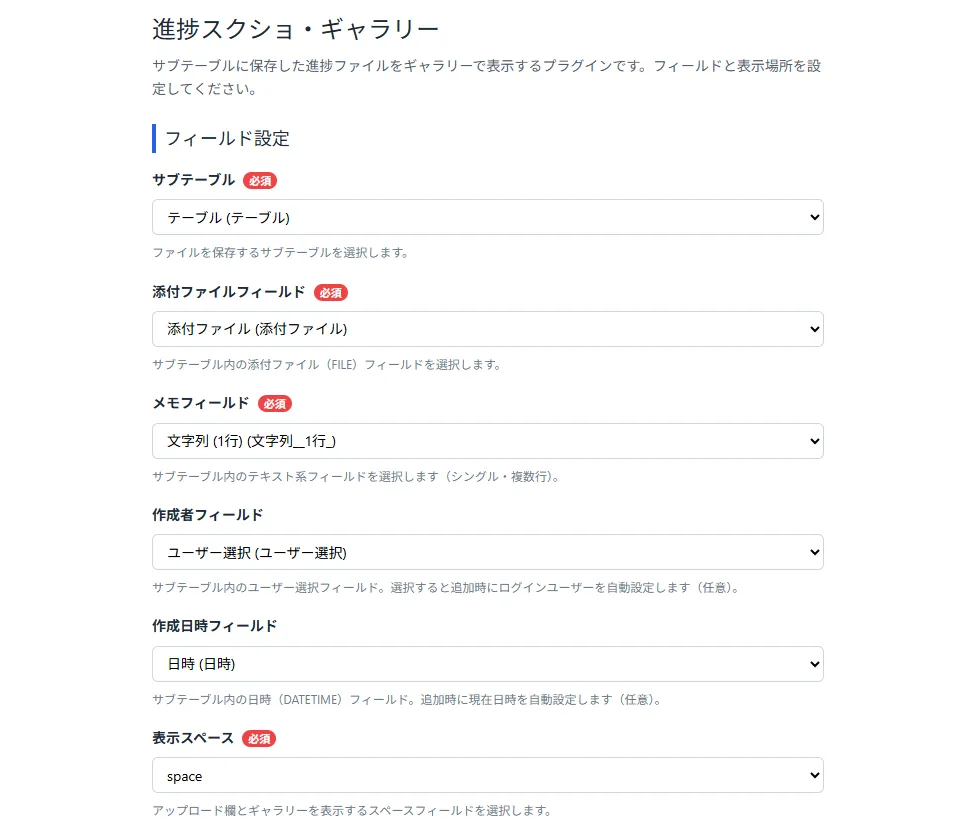
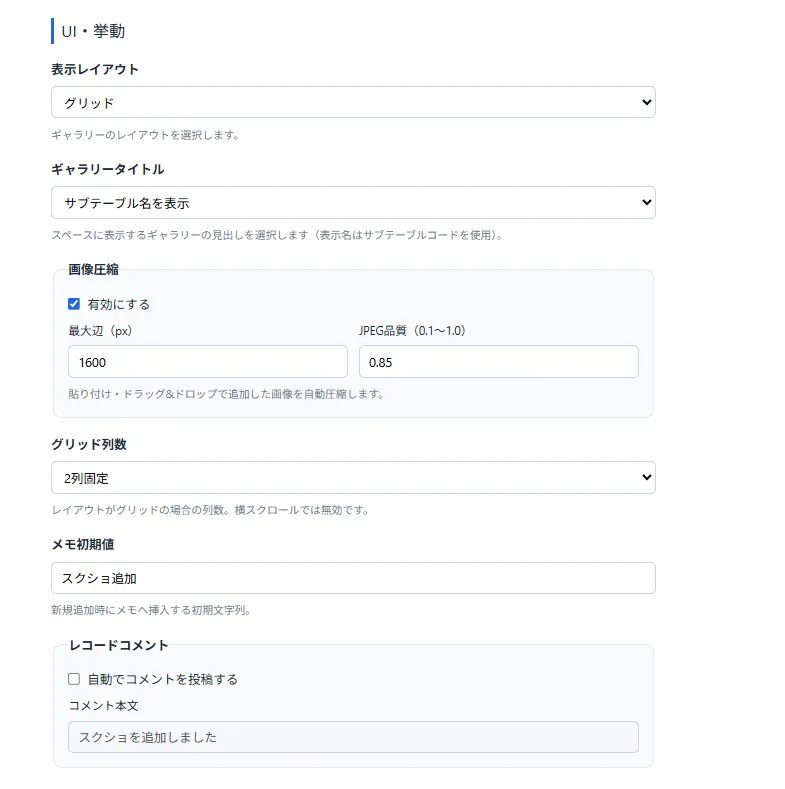
Select the subtable, fields, and display space in the plugin settings
The upload area and gallery appear on the record detail screen
Check that the subtable, attachment field, and space field are correctly configured, and that the app has been updated.
Make sure you have copied an image. PDF and other file types are not supported via paste.
Configure the corresponding fields in the plugin settings.
Running kintone on your own?
PlugBits Launcher — jump to settings and copy field codes, all from the Ctrl+/ command palette. Just add it to your browser.