Quotes & invoices
Batch them at month-end. Keep using the Excel template you already have.
Bulk Excel Report Generation ― kintone plug-in
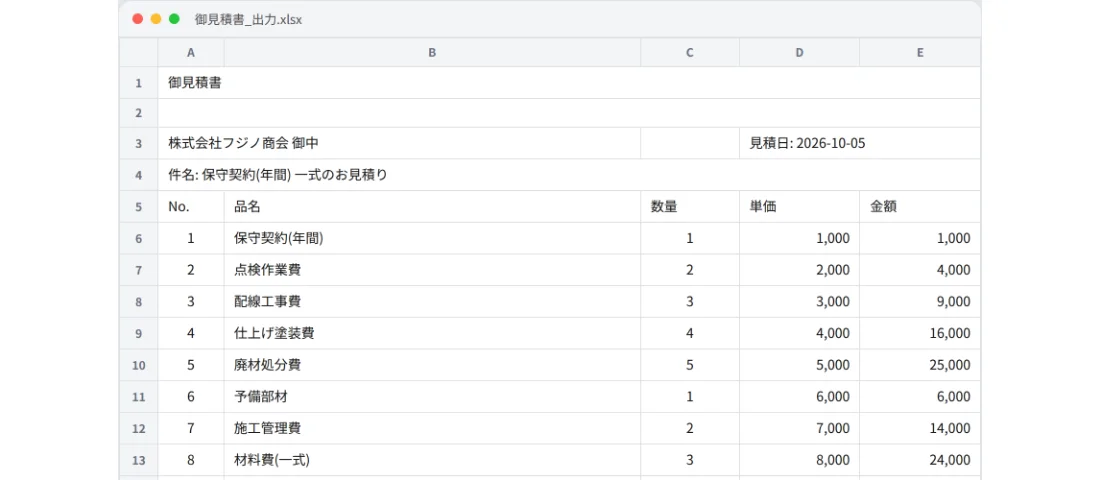
Select records in a view and click one button. The {field code} placeholders in your Excel template are filled with values and laid out one after another on a single sheet, so you can print all of them with a single Ctrl+P.
¥9,800 one-time, tax incl., per kintone domain (1 license per domain)
The 14-day free trial is available from the settings screen after installation
Batch them at month-end. Keep using the Excel template you already have.
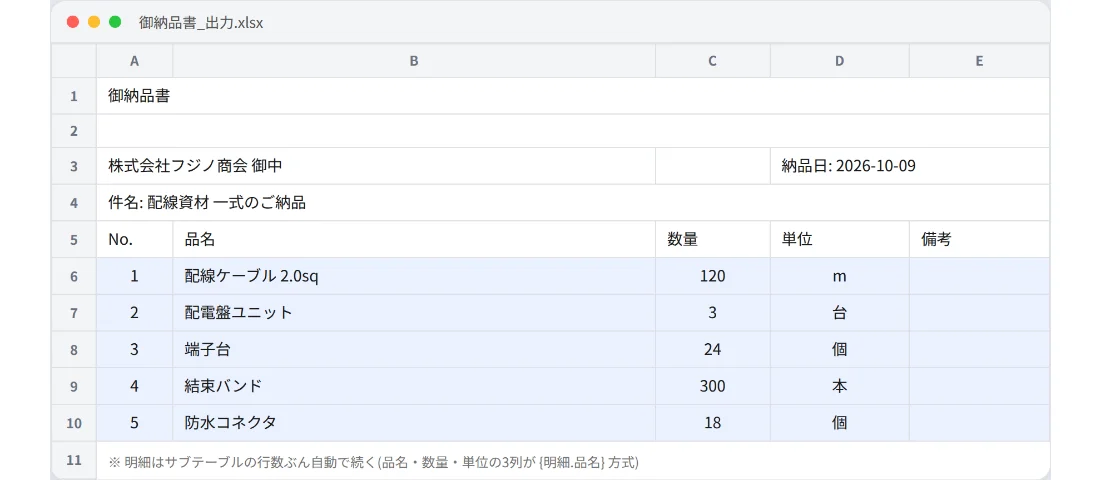
Write a {line items.item name} row for the table (subtable) line items, and it repeats for every row.
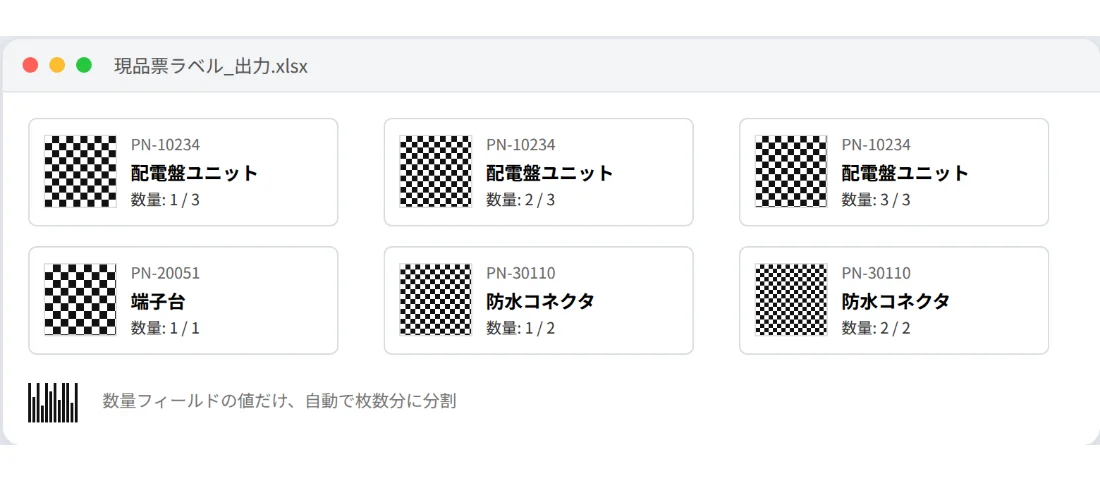
Use label mode to print the exact number of labels for a given quantity. QR codes and barcodes are supported too.
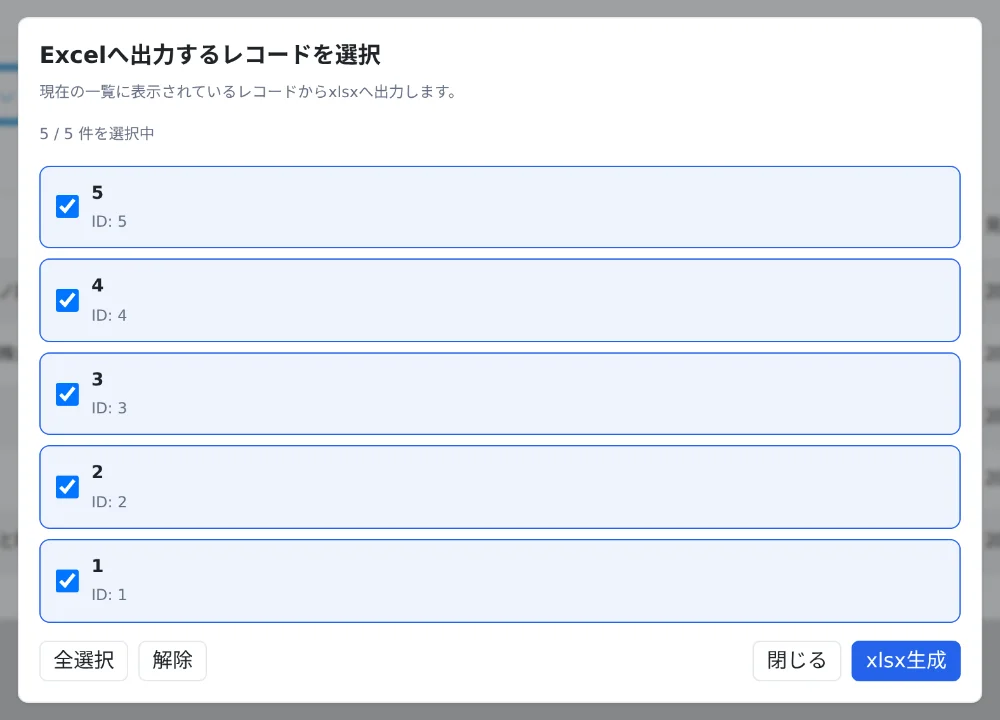
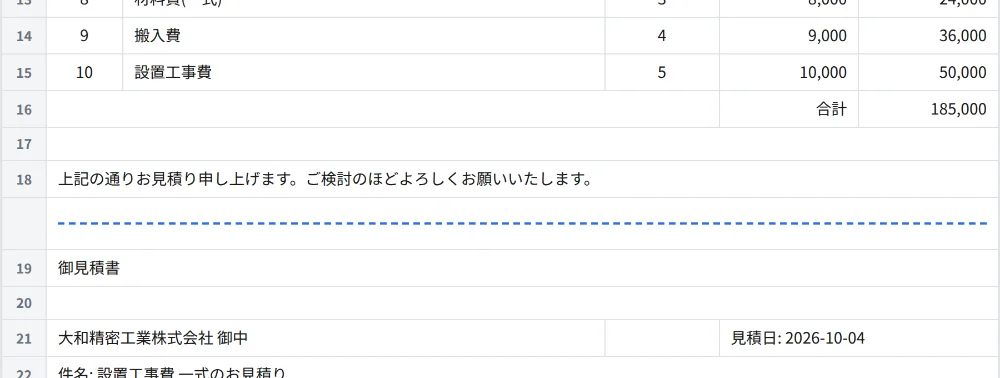
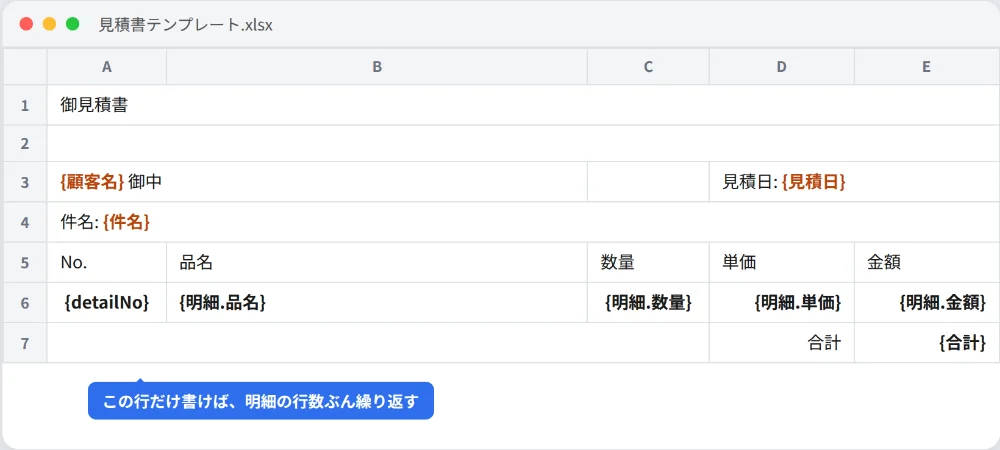


Left = exporting a CSV and pasting it into Excel by hand; right = select in a view and generate once.
If you've lost your key: enter the email address used at purchase and submit, and we'll send the key to that address again.
{{QR:subtable.field}} in a report-mode line item row now generates a QR code for each row. Fixed an issue where the right and bottom borders of merged cells would disappear.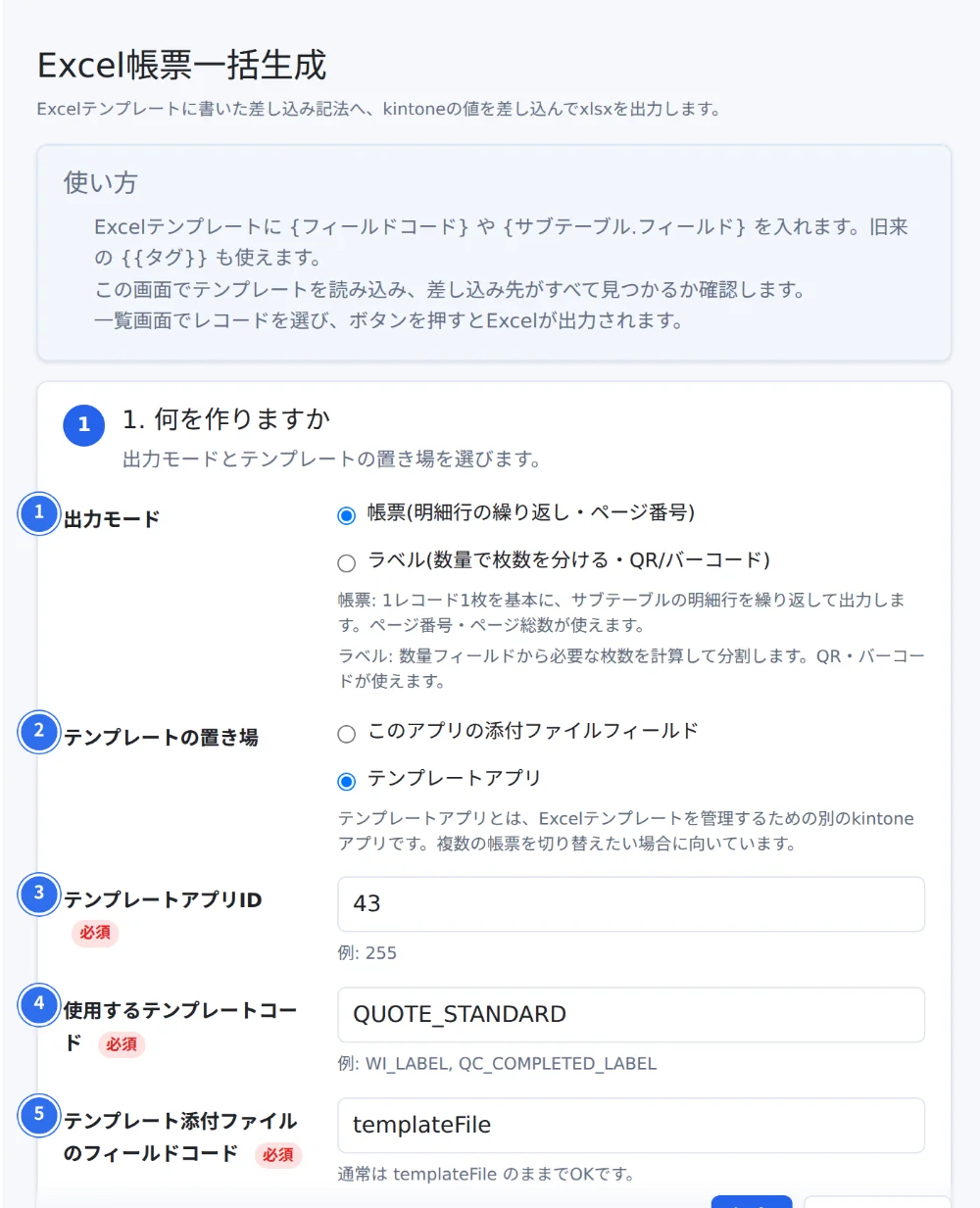
Write {field code} in your Excel template wherever you want values inserted.
For detailed steps, see the manual.